
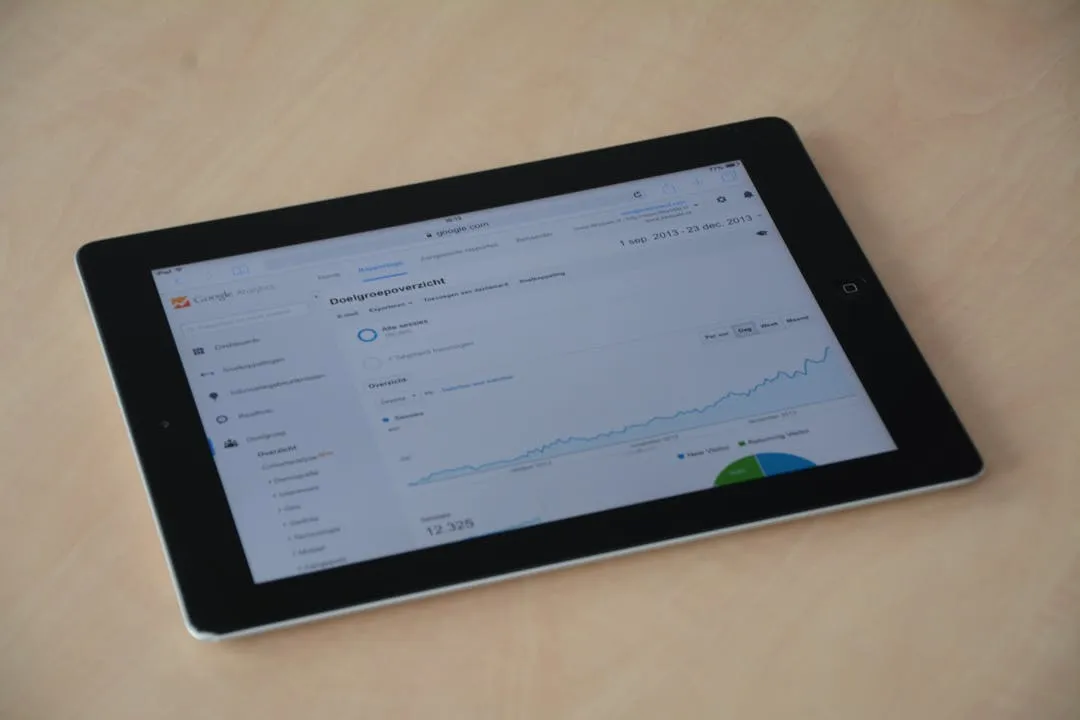
The Executive Dashboard: A Strategic Communication Tool, Not a Data Repository
An executive dashboard fails the moment it becomes a digital filing cabinet for every available metric. Its purpose isn't to show everything; it's to communicate the most critical information with absolute clarity, enabling swift, strategic decisions. Executives operate under immense time constraints. They don't need a puzzle to solve; they need an answer to the question, "How are we doing, and what needs my attention?"
Creating this level of clarity requires a disciplined approach that blends data science with design thinking. It's about curation, context, and communication. This deep dive moves beyond the basics covered in our main The Strategic Guide to Business Intelligence Dashboards and provides ten foundational principles for designing dashboards that executives will not only use but rely on. Adhering to these principles will transform your dashboards from passive reports into active instruments of leadership.
Principle 1: Start with the "So What?" — Define Key Business Questions
Before a single chart is created, the primary business questions must be explicitly defined. The most common mistake is to start with the data available rather than the decisions that need to be made. An executive dashboard should be a direct reflection of the organization's strategic objectives, translated into a handful of critical questions.
From Metrics to KPIs
Every visualization must serve a purpose. Don't just display website traffic; show how website traffic is converting to qualified leads against the quarterly target. This is the difference between a metric (a data point) and a Key Performance Indicator (a measure of strategic success). Engage directly with the executive team to identify 3-5 overarching questions they need answered daily, weekly, or monthly. Examples include:
- Are we on track to meet our quarterly revenue target?
- Is our customer acquisition cost (CAC) trending in the right direction?
- Which product line is driving the most margin?
- Is our operational efficiency improving?
Only once these questions are solidified should you begin identifying the KPIs that answer them.
Principle 2: Embrace Radical Simplicity — Less is More
Cognitive load is the enemy of an effective executive dashboard. The more elements a user has to process—charts, numbers, colors, text—the longer it takes to extract meaning. The goal is to remove everything that isn't absolutely essential to answering the key business questions.
The Art of Curation
Resist the temptation to add "one more chart." Every element should have to justify its existence on the screen. A good rule of thumb is to aim for 5-9 visualizations or key numbers on the primary view. This aligns with the psychological principle that the average person can hold about seven items in their working memory. A cluttered dashboard signals a lack of focus; a clean, curated dashboard signals strategic clarity.
Principle 3: The 5-Second Rule — Design for At-a-Glance Comprehension
An executive should be able to look at the dashboard for five seconds and understand the overall health of the business. Is performance good, bad, or neutral? This immediacy is achieved through a strong visual hierarchy.
Establishing Visual Hierarchy
Use size, color, and position to guide the user's eye. The most important KPI (e.g., total revenue vs. target) should be the most prominent element, perhaps in the top-left corner, where the eye naturally begins. Use color strategically and sparingly. For example, use green only to indicate meeting or exceeding a target and red to indicate a miss. Avoid using these colors for purely decorative purposes, as it dilutes their meaning. Large, summary numbers (Key Value Indicators or KVIs) should be instantly readable from a distance.
Principle 4: Context is King — Provide Benchmarks and Trends
The number "$10M" in revenue is meaningless in isolation. Is that good? Is it better than last month? Is it on track for the year? Data without context is just noise. Every key metric on an executive dashboard must be contextualized.
Types of Essential Context
- Historical Context: How does this period's performance compare to the previous period (e.g., month-over-month, year-over-year)? Line charts are excellent for showing trends over time.
- Target-Based Context: How does performance stack up against the goal or forecast? Bullet charts and gauges are specifically designed to visualize actual vs. target performance concisely.
- Comparative Context: How does one segment compare to another (e.g., Region A vs. Region B)? Bar or column charts are effective for direct comparisons.
Without these layers of context, you force the executive to do the analytical work themselves, which defeats the purpose of the dashboard.
Principle 5: Choose the Right Visualization for the Job
The choice of chart type is not an aesthetic one; it's a functional one. The wrong visualization can obscure meaning or even mislead the viewer. The goal is to select the chart that communicates the intended message in the simplest, most accurate way possible.
A Practical Guide to Chart Selection
- Line Chart: Use for showing trends in a continuous data set over time. (e.g., Monthly Recurring Revenue over the last 24 months).
- Bar/Column Chart: Use for comparing values across discrete categories. (e.g., Sales by Region).
- Bullet Chart: A superior alternative to gauges for showing actual vs. target with qualitative ranges (e.g., poor, satisfactory, good).
- Big Number (KVI): Use for highlighting a single, critically important metric that needs no further breakdown in the main view.
- Avoid: Pie charts and donut charts are generally poor choices for executive dashboards. They make it difficult to compare segment sizes accurately and take up excessive space for the information they convey. A bar chart is almost always a better option.
The visualizations you can create are often dependent on your toolkit. Understanding the capabilities of your BI platform is crucial, as outlined in our guide to The Modern BI Stack: Choosing the Right Dashboard Tools & Architecture. Select tools that offer the flexibility to create clear, uncluttered visualizations.
Principle 6: Unify with a Consistent Visual Language
A dashboard should feel like a single, cohesive product, not a collection of disparate charts. A consistent design language reduces cognitive load because the user learns how to interpret the visual elements once and can then apply that knowledge across the entire dashboard.
Elements of Visual Consistency
- Color Palette: Define a limited color palette and use it consistently. One color for primary metrics, another for secondary, and specific colors for alerts (e.g., red/green for status).
- Typography: Use a clean, legible font family with a clear hierarchy for titles, subtitles, labels, and numbers.
- Layout & Spacing: Use a grid system to align elements. Ensure consistent spacing and padding between charts and sections. This creates a sense of order and professionalism.
Principle 7: Build a Narrative Flow — Guide the User's Eye
A well-designed dashboard tells a story. It should have a logical flow that guides the executive from a high-level summary to more granular insights. In Western cultures, people tend to read screens in a 'Z' or 'F' pattern.
Structuring the Narrative
Place the most critical, summary-level information in the top-left quadrant. This could be 3-4 KVIs showing the ultimate health of the business. As the user moves across and down the page, provide the next level of detail—the trends and comparisons that explain the 'why' behind the top-level numbers. The bottom or right side of the dashboard can contain more detailed, tabular data or breakdowns that an executive might explore if they have a specific question.
Principle 8: Design for Action, Not Just Information
A dashboard's ultimate value is measured by the quality of the decisions it inspires. It should not be a dead end. Every piece of information should have the potential to lead to an action.
Enabling Drill-Down and Exploration
While the main view must be simple, it should serve as a gateway to deeper analysis. A well-designed dashboard allows for intuitive drill-down. If an executive sees that sales are down in a particular region, they should be able to click on that region to see a more detailed view of the underlying data—perhaps sales by product or by individual representative. This interactivity empowers executives to answer their own follow-up questions without having to request a separate report, accelerating the decision-making cycle.
Principle 9: Ensure Data Integrity and Trust
A dashboard is useless if its audience doesn't trust the data. A single instance of showing incorrect or outdated information can permanently damage credibility. Trust is the currency of business intelligence.
Building a Foundation of Trust
- Single Source of Truth: Ensure all dashboard metrics are pulled from a governed, validated data source. Discrepancies between the dashboard and other company reports are a major red flag.
- Clear Definitions: Provide easy access to metric definitions. A user should be able to hover over a KPI like "Active Users" and see a tooltip explaining precisely how it's calculated.
- Data Freshness Indicator: Always display a "Last Updated" timestamp in a visible location. An executive needs to know if they are looking at data from five minutes ago or from last night.
Principle 10: Iterate with Executive Feedback
The launch of a dashboard is the beginning, not the end. The business will evolve, priorities will shift, and the questions executives ask will change. The dashboard must adapt accordingly. The most successful dashboards are the product of a continuous feedback loop.
Establishing a Feedback Cycle
Schedule regular, brief check-ins with the executive stakeholders. Don't just ask, "Do you like the dashboard?" Ask targeted questions:
- "Which metric on this dashboard do you look at least often?"
- "What question did you have this week that the dashboard couldn't answer?"
- "Was there any information here that surprised you or led you to take action?"
Use this feedback to ruthlessly prune underutilized components and add new, more relevant insights. An executive dashboard is a living tool, not a static artifact.
Conclusion: From Data to Decision with Discipline
Designing an effective executive dashboard is an exercise in strategic discipline. It requires pushing back against requests for more data and instead focusing relentlessly on the core questions that drive the business forward. By adhering to these ten principles—from defining the 'so what?' to iterating based on feedback—you can create a powerful tool that delivers not just information, but clarity, context, and the confidence to act. You transform data from a raw resource into a decisive strategic advantage.